
Final Review

Fall Semester 2021 CSE2006 MicroProcessor and Interfacing
Voice Enabled Temperature Controlled Fan Arduino Framework & ESP8266 MicroController
Team 21
Siddharth Suresh 20BPS1042 Penta Revanth 20BPS1161
Project Progress
- Connection Between Server, Arduino and ESP8266
- Interacting With DHT11 Sensor
- Enabled Basic Voice Commands
- Implement Logic For
Speed Controls - Connection Between DC Fan and ESP8266
- Final Testing and Improvements
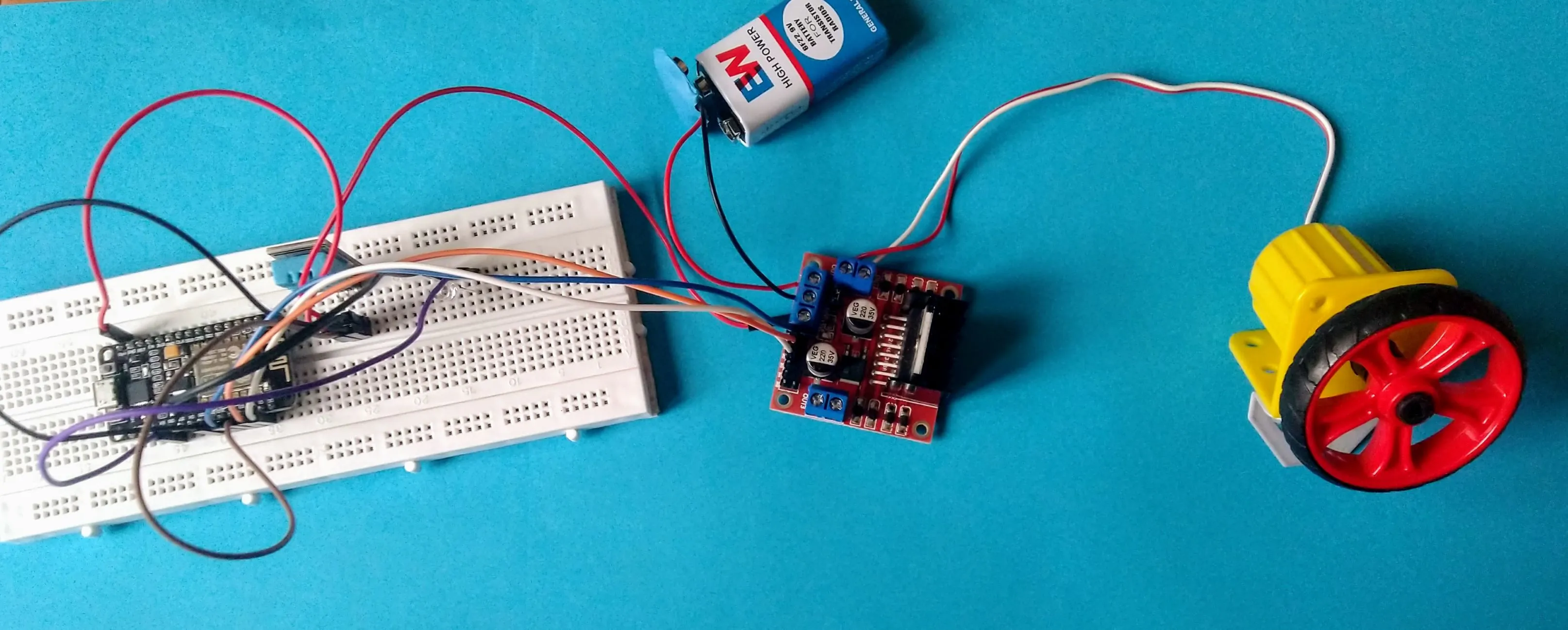
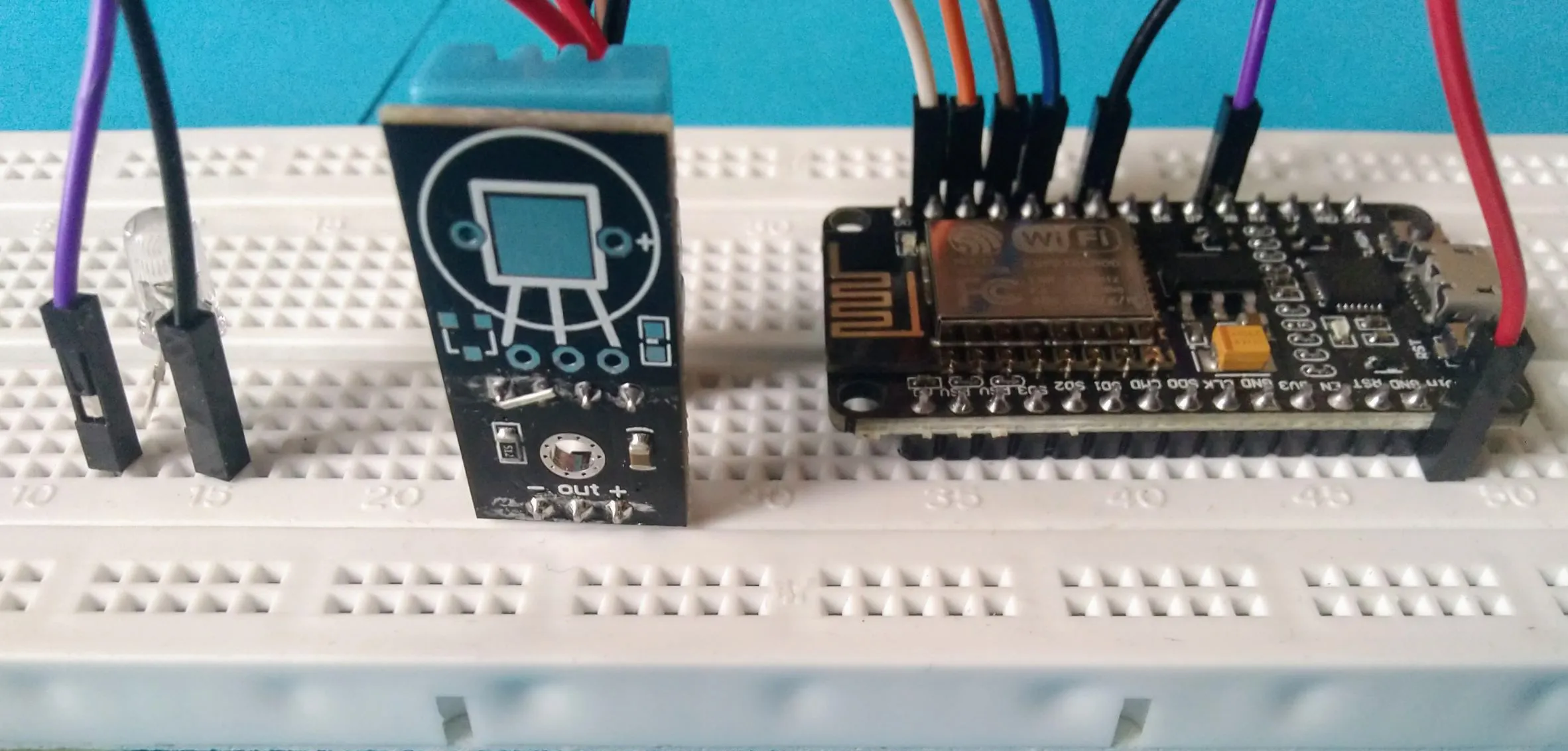
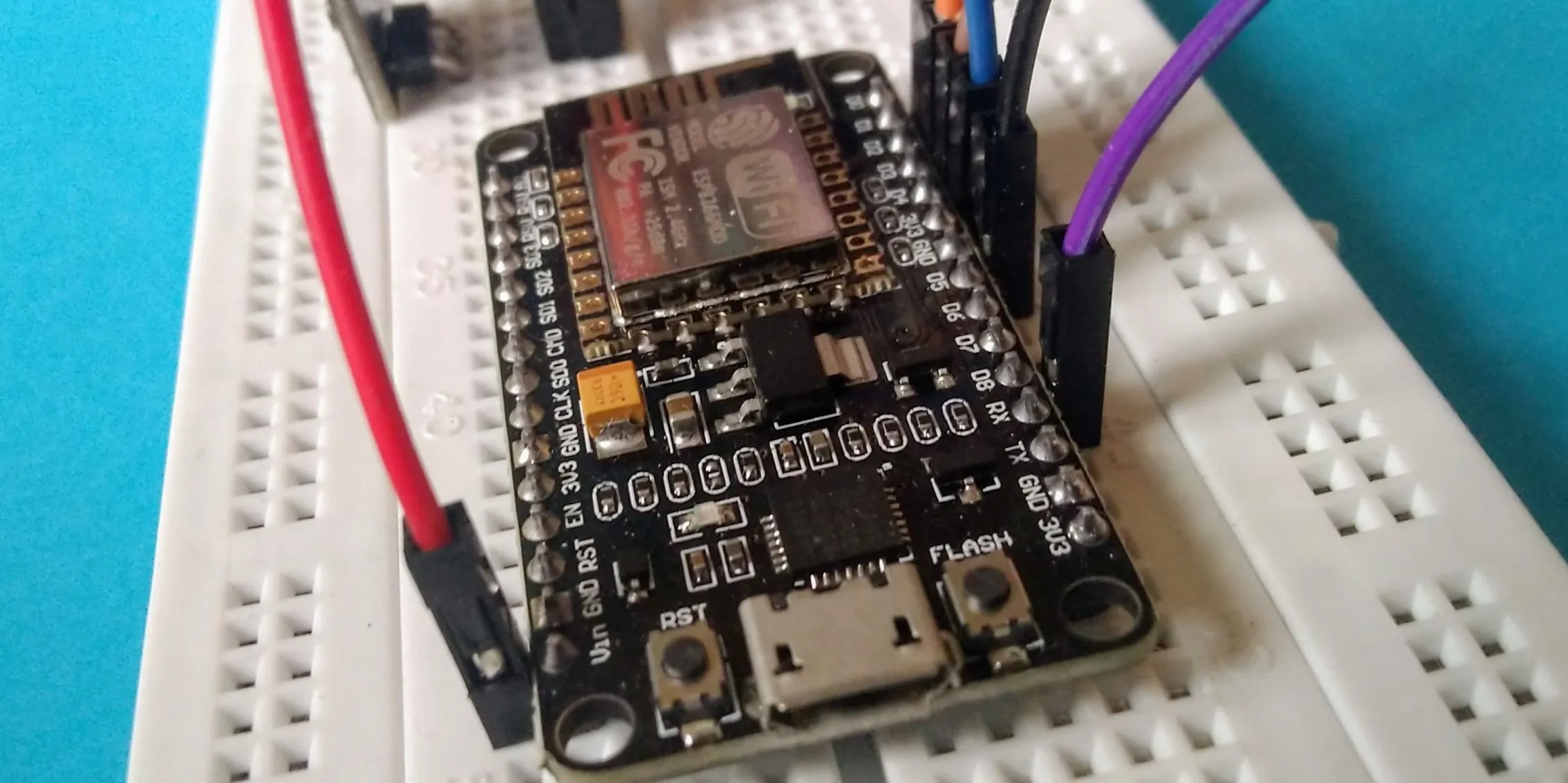
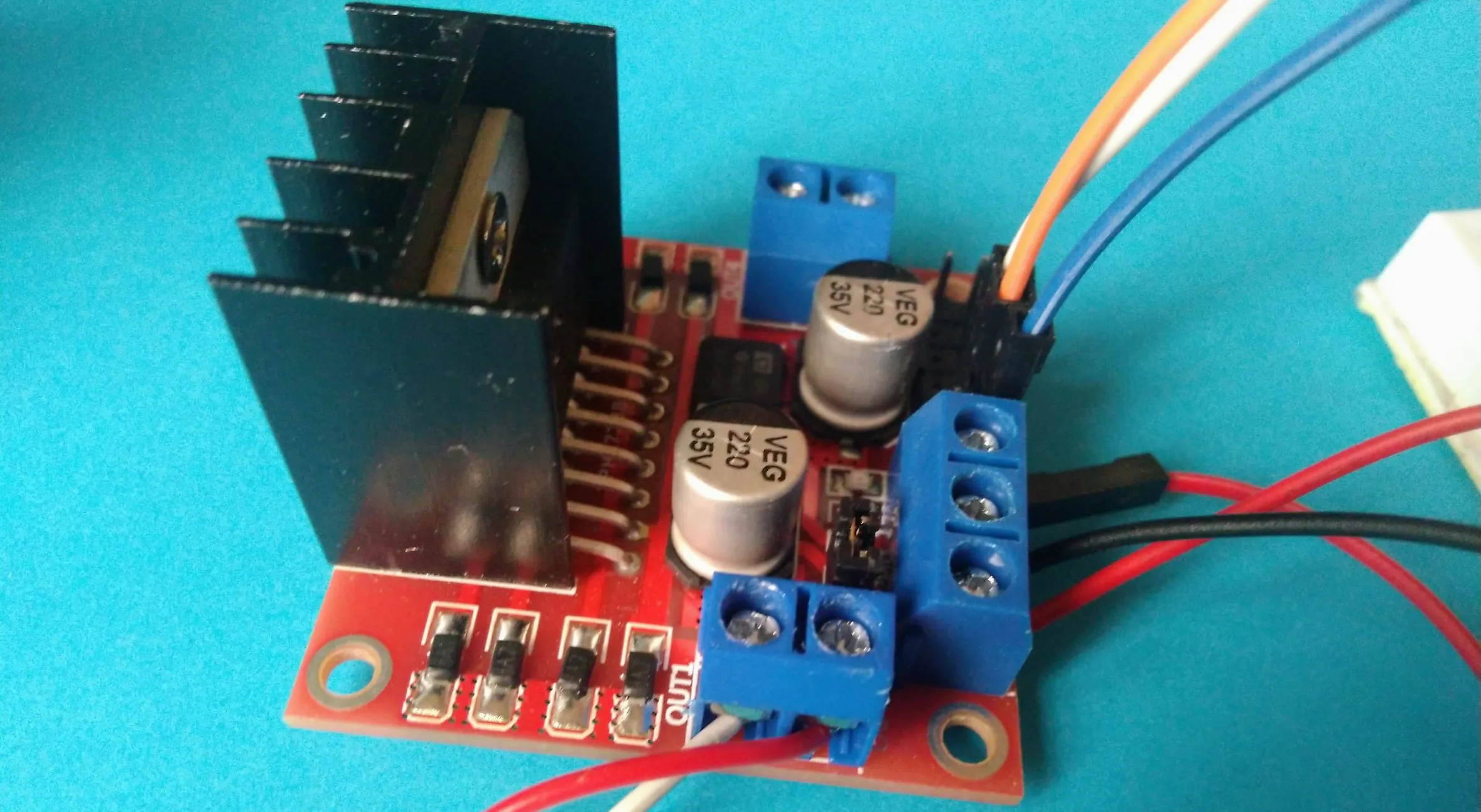
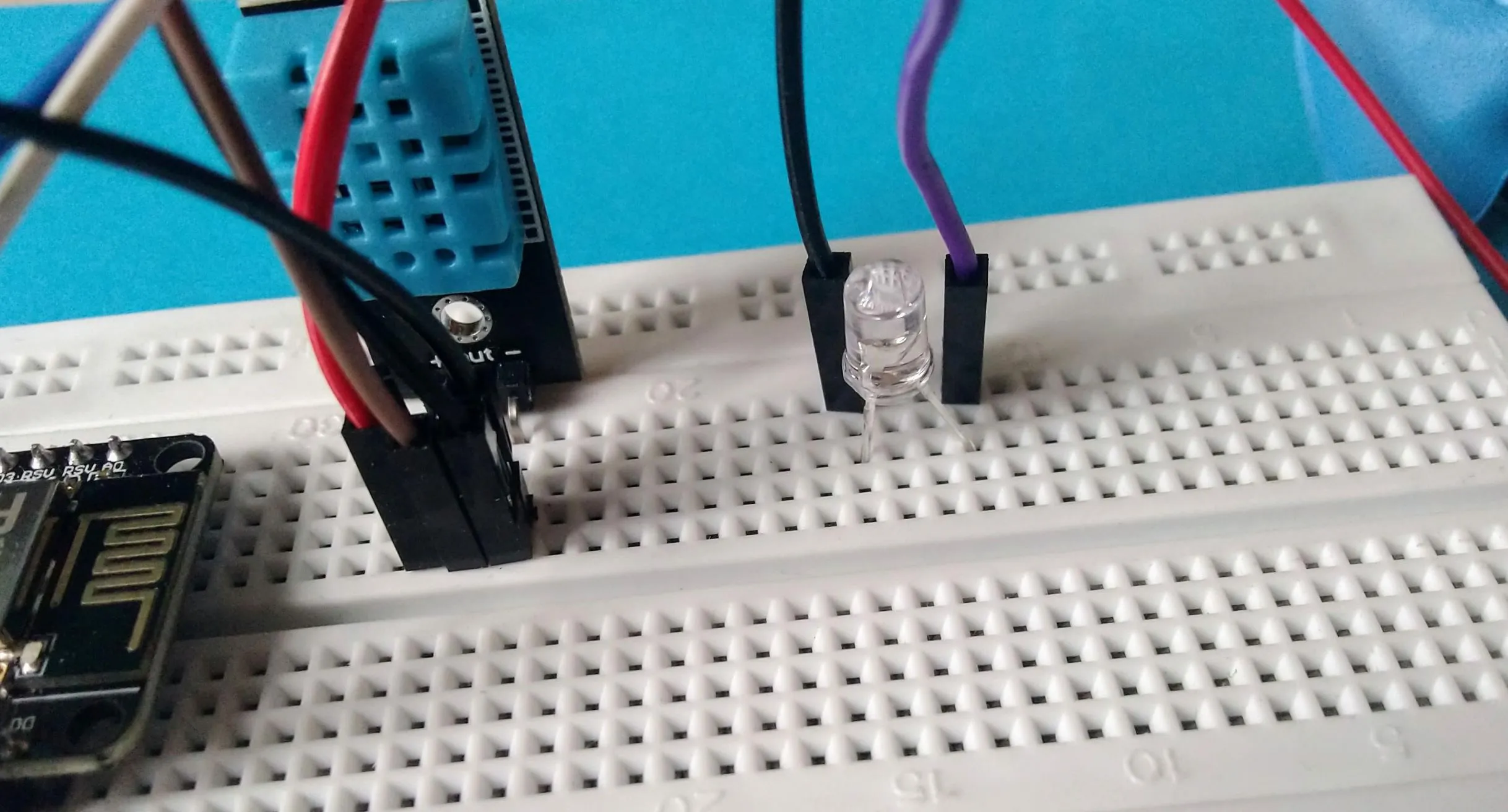
Server, Arduino, ESP8266
Web Socket driven Server implemented using Socket.io and Express.js to handle the synchronisation of data between the ESP8266 MicroController and the Web Interface.
Interacting with the DHT11 Sensor
Interacting with the Temperature and Humidity Sersor DHT11 using Arduino Libraries in the ESP8266 Microcontroller
Voice Commands
Enabled Voice Interativity Using Speech Recognision Models To Respond Commands Like to Start & Stop the Fan Increase and Decrease the Speed of the Fan
Logic For Speed Controls
Created two modes of operation for the Fan,
Auto is controlled by the current temperature and humidty reading from the DHT11 sensor and the other,
Manual is controlled by the user's input from the web interface
Connection Between ESP8266, DC Motor and L298N Motor Driver
By Controlling the Pulse Width Modulation (PWM)of the L298N Motor Driver, the ESP8266 Microcontroller can control the speed of the DC Motor and in turn the Fan
Circuit Visualization
Using The Pinout Diagrams of the ESP8266 Microcontroller ,the DHT11 Temperature and Humidity Sensor & the L298N Motor Driven To Connect the Circuit That Controls The 5V DC Motor. Drawing the Virtual Circuit Connection using Fritzing Software.

Final Circuit Connectivity Diagram Between the ESP8266 Microcontroller, DHT11 Temperature and Humidity Sensor and L298N Motor Driver
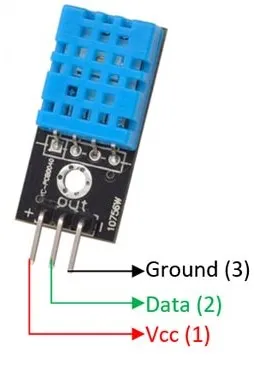
Pin Diagram of DHT11 Sensor
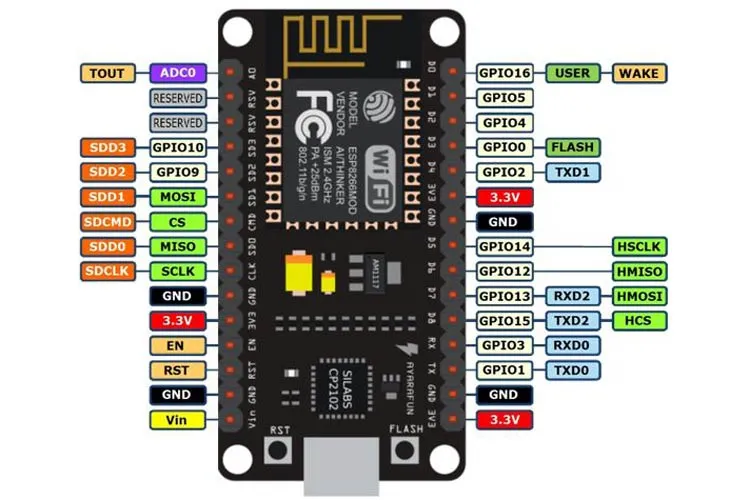
Pin Diagram of ESP8266 MicroController
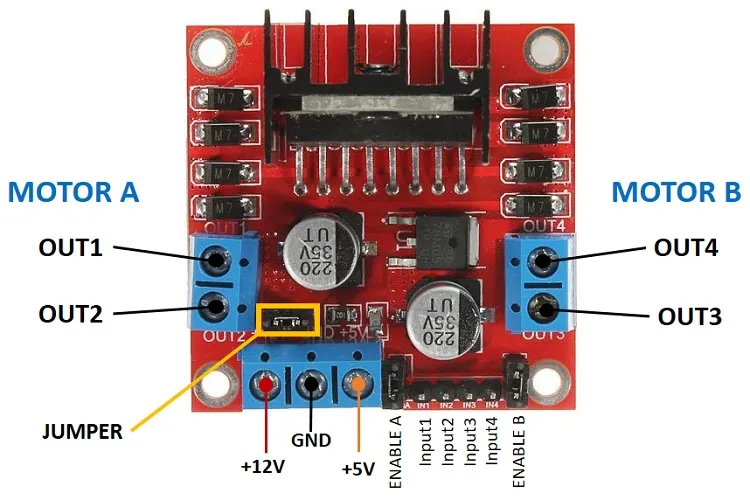
Pin Diagram of L298N Motor Driver